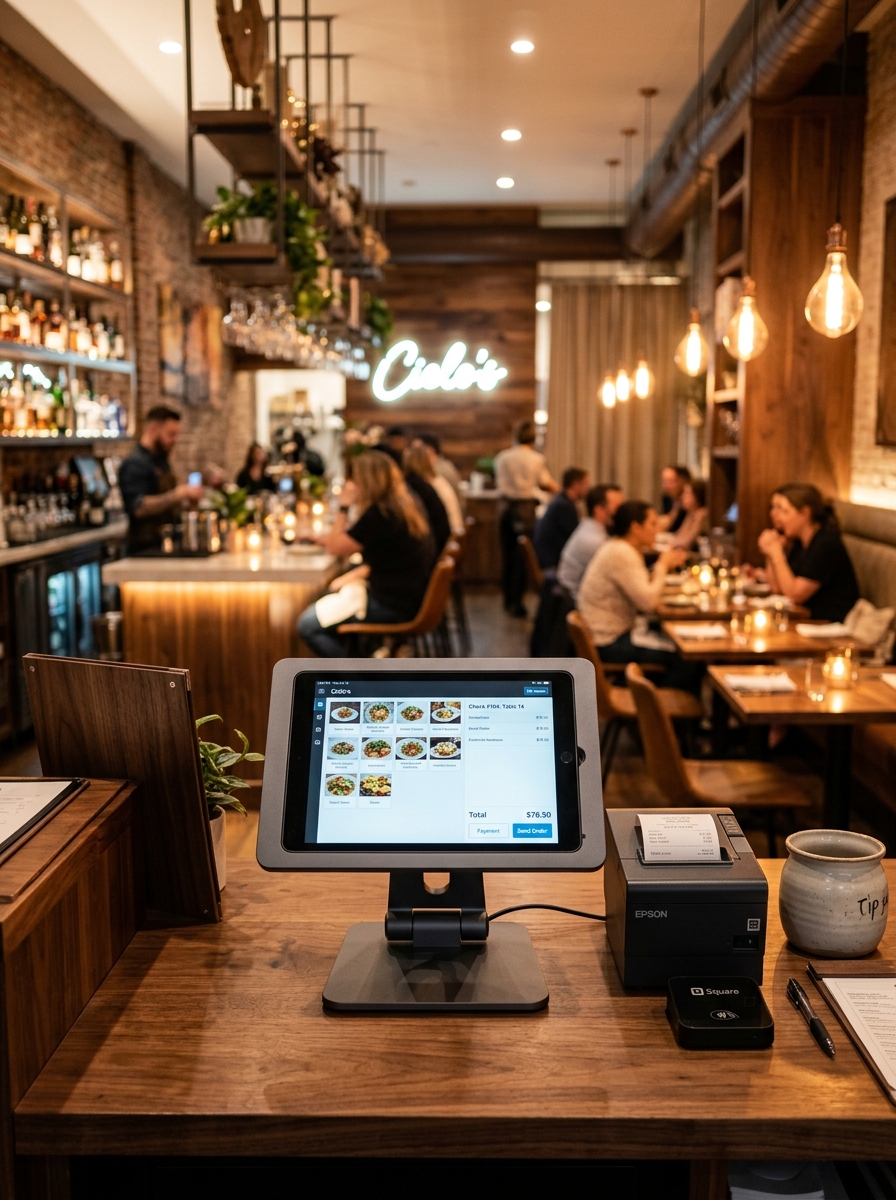
From Order to Kitchen.
Without the Confusion.
Send clear kitchen order information from the restaurant floor to the right preparation workflow, so your kitchen team knows what to prepare and where every order belongs.
Clear Kitchen Tickets
Give kitchen staff clear item, portion and modifier instructions.
Better Order Visibility
Know what is waiting, currently preparing and ready at the pass.
Organized Kitchen Flow
Keep kitchen preparation work clear and visible during dinner rush.
Connected Operations
Connect KOT tickets with dining tables, waiters, POS and billing.
Your Kitchen Needs More Than an Order Number.
Paper slips get soaked in kitchen steam, item notes get misread, and waiters constantly interrupt chefs to check order progress. Compare traditional kitchen communication with Geni Menu KOT.
Traditional Kitchen Communication
Paper Tickets & Verbal Clarifications
- • Unclear paper ticket handwriting leading to wrong dish preparation
- • Manual verbal communication causing kitchen noise and confusion
- • Difficult ticket prioritization during rush hours
- • Status visibility gaps between kitchen pass and dining room waiters
Geni Menu KOT
Structured Digital Kitchen Order Tickets
- ✓ Digital tickets with clear item quantities, sizes, and special notes
- ✓ Automatic table and order type identification (Dine-in, Takeaway)
- ✓ Visible preparation status (New → Preparing → Ready)
- ✓ Seamless 2-way status synchronization with POS and waiter devices
Turn Every Order Into a Clear Kitchen Ticket.
The moment an order is confirmed by your server or cashier, Geni Menu converts it into a structured KOT for immediate kitchen preparation.
Order #ORD-2084
KOT #1048
Keep Different Kitchens and Stations Organized.
Route appetizers to the tandoor, main courses to curry stations, drinks to the bar, and desserts to the pastry counter.
Main Curry Station
Biryanis, gravies, rice items and main courses.
04 Tickets PendingTandoor / Grill
Kebabs, tikkas, naan breads and appetizers.
03 Tickets CookingBar & Beverage
Cold beverages, mocktails, juices and sodas.
02 Drinks ReadyDessert Counter
Sweets, ice creams, cakes and desserts.
01 Ticket PendingEvery Item. Clearly Listed.
Large readable typography, clear item quantities, and prominent custom instructions ensure zero confusion for line cooks.
Stay Organized When the Kitchen Gets Busy.
Keep chefs focused during peak dinner rushes with live ticket status counters and preparation timers.
Awaiting Chef Acceptance
Currently Cooking
Awaiting Server Pickup
Dispatched Today
From Guest Order to Kitchen Completion.
KOT Management sits right at the heart of your restaurant operation, bridging servers with line cooks.
Built for Different Kitchen Environments.
Whether you manage a multi-station fine dining kitchen, a QSR pass, a pizzeria oven counter, or a cloud kitchen.
Fine Dining Kitchens
Multi-course ticket timing and station routing between tandoor, pantry and main stove.
QSR & Fast Food
Instant digital ticket displays for high-volume counter preparation.
Cloud Kitchens
Centralized ticket display routing orders from online channels to line cooks.
KOT Is the Bridge Between Orders and the Kitchen.
KOT Management connects your floor servers, dining tables, kitchen displays, and billing counter.
Order Management
Confirmed floor orders trigger immediate KOT tickets.
Table Management
Tickets show table number & floor zone for server delivery.
POS Management
Kitchen-prepared items sync directly to guest bill tabs.
Reports & Analytics
Track average dish preparation times & peak kitchen throughput.
Frequently Asked Questions.
Everything you need to know about Geni Menu KOT Management.
Bring Every Order Into a Clear Kitchen Workflow.
Give your kitchen team the visibility they need to move orders from ticket to preparation to ready with Geni Menu.