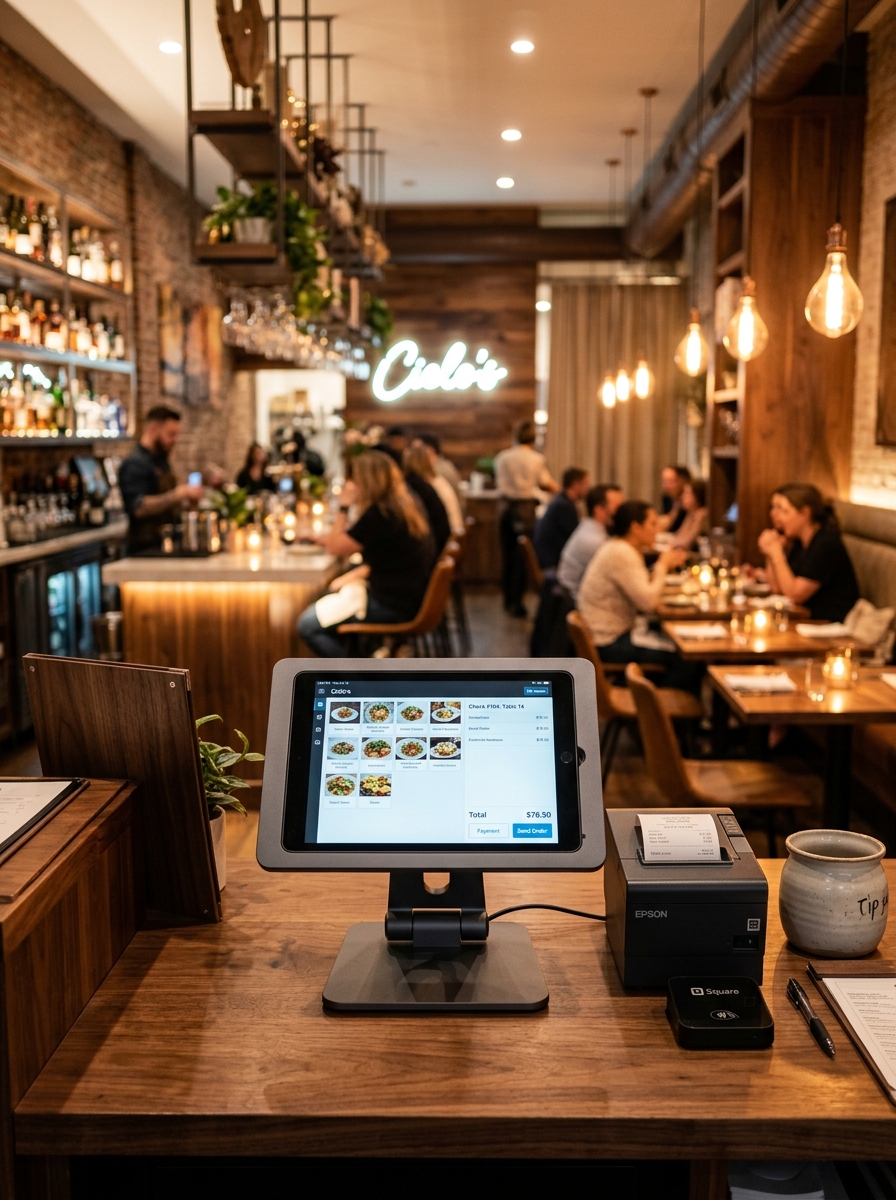
Your Dining Floor,
Fully Visible in Real-Time
Stop guessing which table is free. Geni Menu gives your front-of-house team a live, colour-coded floor map — every table status, turn time, and guest detail in one glance.
One Floor Plan, Four Zones — Perfectly Organised
Segment your restaurant into Indoor, Outdoor, VIP, and Bar zones. Assign stewards to specific sections, track revenue per zone, and switch views with a single tap during service.
- ✓ Steward Rajan automatically sees only his Indoor tables — no clutter.
- ✓ VIP zone locks reserved tables until the guest's name is confirmed at the host stand.
- ✓ Outdoor tables auto-disable during monsoon hours using shift scheduling.
- ✓ Bar stools tracked separately with quick-turn billing for walk-ins.
- ✓ Zone summary shows occupancy %, average bill, and active stewards at once.
From Empty Floor to Full House in 4 Steps
Geni Menu's table management fits naturally into how your team already works — no new habits to force.
Set Up Your Floor Plan
Use the drag-and-drop editor to map your restaurant exactly — place tables, label zones, set capacities, and assign stewards. Takes about 15 minutes once.
Seat & Link Guests
When a guest arrives, tap the table, select their reservation (if any), and confirm seating. The timer starts, the POS opens to their order, and the steward gets notified.
Monitor in Real-Time
Watch your floor plan update live — bill amounts grow, dining timers tick, and alerts fire when a table has been seated past your average turn time of 60 minutes.
Clear & Turnaround
After billing, mark the table Cleaning with one tap. It turns grey on the floor plan and alerts housekeeping. Once cleared, flip it to Available — the next guest is ready to be seated.
Everything You Need to Run a Tight Floor
Six features that combine into one seamless seating experience — for guests and staff alike.
Visual Floor Plan Editor
Drag, drop, and arrange tables on a canvas that mirrors your actual restaurant layout. Add walls, pillars, and section dividers to make it feel real. Supports multi-floor setups.
Live Table Status
Four instant states — Available (green), Occupied (coffee), Reserved (amber), Cleaning (grey). Staff see the full picture at a glance without radio-calling the host stand.
Turn-Time Tracking
Each occupied table shows a live dining timer. When a table crosses your average turn time, it highlights in amber so hosts can proactively offer bills or check in with guests.
Zone & Section Management
Organise tables into Indoor, Outdoor, VIP, and Bar zones. Assign stewards per zone, view zone-level occupancy stats, and generate per-zone revenue reports at end of shift.
Guest Linking on Seating
When a reserved guest arrives, tap their name from the reservation list to link it to the table. Their preferences, allergies, and past visit notes appear instantly for the steward.
Instant Status Updates
Table states sync across POS, the host display, and waiter tablets in under one second. No refresh needed — when Priya marks T-05 clean at the POS, Rajan sees it update at the floor map.
Numbers That Move the Needle
Aggregated from Geni Menu restaurants that switched from manual floor sheets to live table management.
The Host Stand Used to Run on Guesswork
See exactly what changes when you give your front-of-house team a real-time floor plan.
Chaos at the Host Stand
- ✕ Rajan shouts across the dining room to ask if T-07 is free yet.
- ✕ Paper seating chart is scribbled over — impossible to read during rush hour.
- ✕ A couple is double-seated at T-03 because the host and a waiter both claimed it.
- ✕ No idea how long T-09 has been occupied — did they even get a bill?
- ✕ VIP guest "Mehra family" walks in but the reserved table is still being cleaned — nobody knew.
- ✕ Manager walks the floor every 15 minutes just to count available tables.
Total Floor Visibility, Always
- ✓ Floor plan updates in real-time — Rajan sees T-07 turn green the moment the bill is settled.
- ✓ Digital colour-coded floor map: Available, Occupied, Reserved, Cleaning — crystal clear.
- ✓ One tap locks a table to a guest — no double-seating possible.
- ✓ Live dining timer on every occupied table; amber alert at 60-minute mark.
- ✓ Mehra family reservation linked — host sees cleaning ETA and can hold them at the lounge with a message.
- ✓ Manager's dashboard shows occupancy %, avg turn, revenue — no floor walks needed.
Common Questions Answered
Everything you need to know before setting up your digital floor plan.
Works Seamlessly With
Table Management connects directly to these Geni Menu features.
Give Your Team a Floor Plan
They Can Actually Trust
Join restaurants across India that have replaced guesswork with real-time floor intelligence. Setup takes 20 minutes.