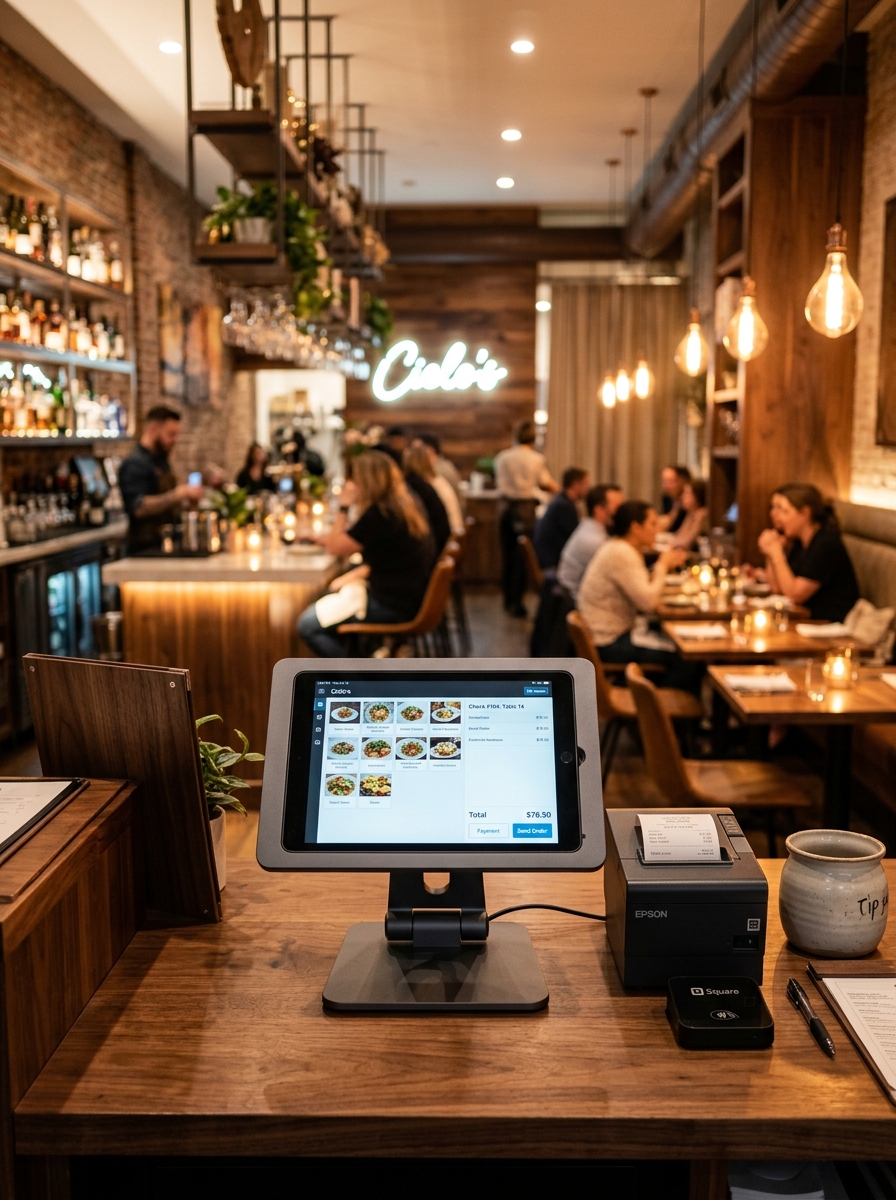
Smarter Canteen Operations. Better Student Experience.
Manage menus, food orders, billing, kitchen operations, inventory and daily canteen activity from one connected platform built for colleges and educational institutions.
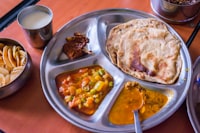
 Masala Dosa • Counter 01
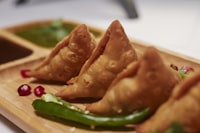
 Hot Samosa • Snack Counter
Everything Your Campus Canteen Needs.
Keep everyday food service organized across students, staff, counters and kitchen operations.
1. Digital Menu Management
Keep your daily food menu structured and easy for students and faculty to explore on mobile or kiosk screens.
2. Food Order Management
Keep student and staff orders visible from initial placement to kitchen prep, token generation, and handover.
3. Counter Ordering
Make busy counter operations fast and painless for cashiers handling massive break-hour crowds.
4. KOT Management
Send clear kitchen order tickets directly to specific food stations without paper loss or confusion.
5. Kitchen Operations
Give cooks and preparation staff an organized live view of batch item quantities and special notes.
6. POS & Billing
Process quick counter tokens and payments through one connected point-of-sale interface.
7. Payments Management
Accept daily payments seamlessly via cash, campus prepaid cards, or instant UPI QR scans.
8. Inventory Management
Stay aware of essential raw ingredients, milk, tea, coffee powder, and snack stock levels.
9. Canteen Analytics
Track daily canteen sales, peak break times, top student snacks, and category revenue.
Make Campus Food Ordering Easier.
Give students and staff a simple way to explore available food and quickly find what they want during short break intervals.

Keep Orders Moving When the Campus Gets Busy.
College canteens often experience sudden order surges during break times, lunch hours, and campus events. Keep operations smooth under pressure.
Keep the Kitchen Organized.
Connect canteen food orders directly with KOT displays so preparation cooks know exact item quantities for batch cooking.
- South Veg Meals × 2
- Fresh Lime Soda × 2
- Masala Dosa × 1
- Filter Coffee × 1
- Paneer Roll × 2
- Mango Juice × 1
One Campus. Different Food Counters.
Keep different campus food-service areas organized while maintaining central administrative visibility across all sales.
Main Canteen
Meals, Biryani & South Indian
Snack Counter
Samosa, Puffs & Sandwiches
Juice Bar
Fresh Juices & Milkshakes
Coffee Corner
Tea, Filter Coffee & Snacks
Fast Food Wok
Rolls, Noodles & Burgers
Show Students What’s Available.
Toggle item stock status instantly so students know what can be prepared right now.
Simple Payments for Campus Orders.
Process checkout transactions quickly with support for modern campus payment modes.
Know What You Have Before the Lunch Rush.
Monitor raw ingredients, vegetables, cooking oil, and milk to keep your canteen kitchen ready for heavy daily demand.
Understand Your Canteen Performance.
Analyze daily sales, total student orders, popular food items, and peak break hour activity.
Daily Canteen Report
Campus management analyticsEverything From Menu to Service.
Connect student food ordering, counter tokens, kitchen preparation, and administration in one platform.
Built for Busy Campus Food Service.
Streamline canteen operations, reduce student queue times, and eliminate cash handling friction.
1. Faster Ordering
Keep food orders moving rapidly during short campus break intervals and lunch rushes.
2. Simpler Counter Operations
Make everyday checkout and token generation simple for canteen cashier staff.
3. Clear Kitchen Workflow
Keep food preparation staff organized with live KOT displays for batch cooking.
4. Better Food Availability
Keep students informed in real time about available items and sold-out dishes.
5. Inventory Visibility
Maintain awareness of essential raw ingredients and milk stock before peak demand.
6. Canteen Insights
Gain actionable reports on daily canteen revenue, student volume, and top menu items.
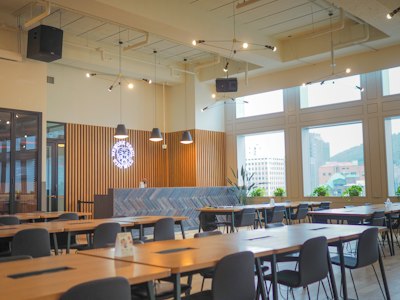
Designed for Different Campus Food Environments.
Tailored specifically for colleges, universities, and student dining facilities.
One Platform. Different Campus Needs.
Purpose-built for high order volume across college canteens, hostels, and cafeterias.



Everything You Need to Know.
Common questions about implementing Geni Menu for your college canteen.
1. Is Geni Menu suitable for college canteens?
Yes. Geni Menu is designed to handle high-volume break-hour surges, multi-counter ordering, kitchen KOTs, and rapid token printing for campus canteens.
2. Can students browse the digital menu on their phones?
Yes. Students can scan QR codes placed around the canteen or campus to view current food items, pricing, and availability.
3. Can canteen staff manage food availability and sold-out items?
Yes. Staff can toggle items as AVAILABLE or SOLD OUT with a single tap to keep students accurately informed.
4. Can I manage multiple food counters under one system?
Yes. Separate counters such as Meals, Snacks, Juice Bar, and Coffee Corner can operate independently while feeding into central reporting.
5. Can I manage KOTs for kitchen stations?
Yes. Orders automatically trigger kitchen order tickets or display on digital KDS screens for kitchen staff.
6. Can I manage canteen billing and cash/UPI payments?
Yes. Cashiers can complete bills in seconds and record cash, credit cards, or instant UPI payment transactions.
7. Can I track daily canteen inventory?
Yes. Monitor essential stock items such as rice, vegetables, cooking oil, and milk to prepare for peak break rushes.
8. Can I view daily sales and canteen reports?
Yes. Canteen administrators can review daily revenue, total orders, top-selling snacks, and peak sales hours.
Ready to Make Your College Canteen Smarter?
Manage your menu, food orders, multi-counter operations, kitchen, billing, inventory and reports from one connected platform with Geni Menu.