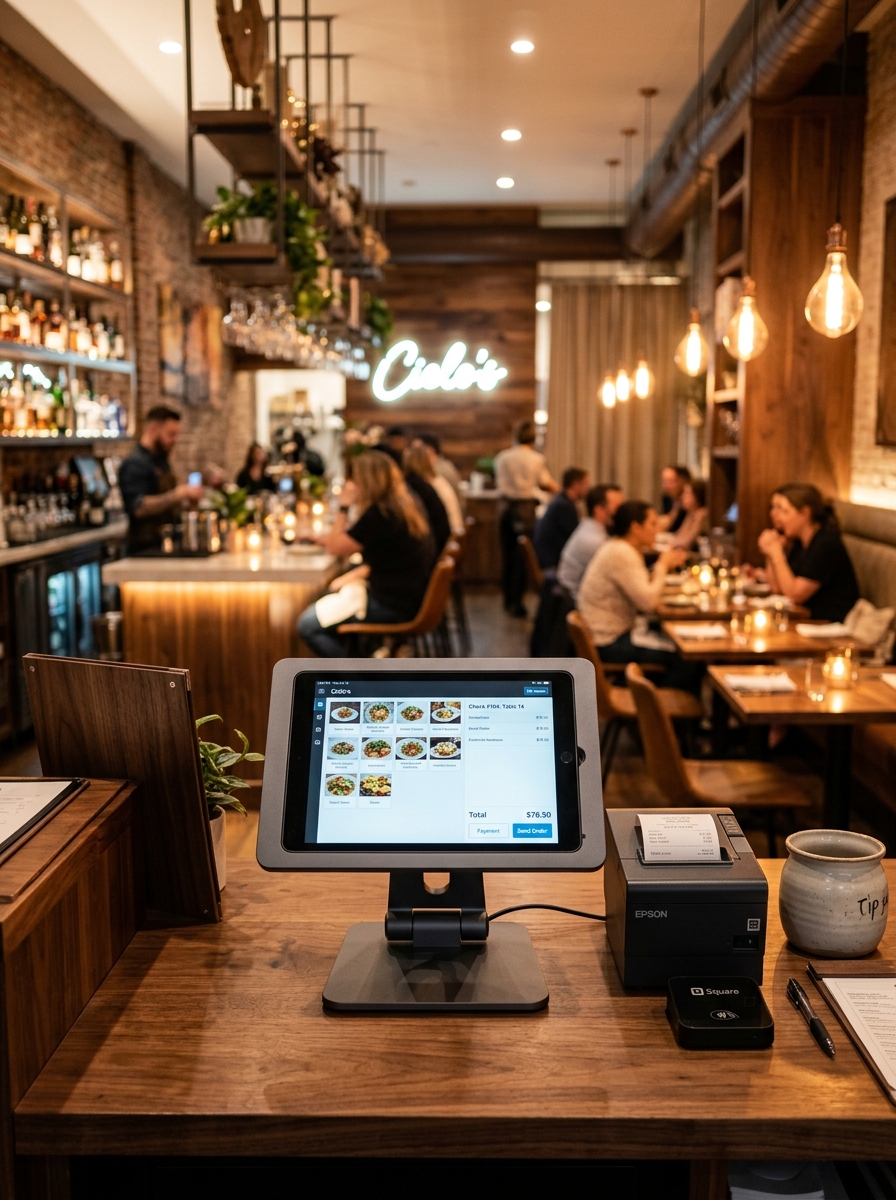
Manage Every Reservation.
Keep Every Table Ready.
Manage reservations, guest details, table allocation and booking status from one simple dashboard. Give your team a clear view of what's booked, what's available and who's arriving next.
One Reservation View
See upcoming bookings from one place.
Faster Table Allocation
Assign suitable tables quickly.
Better Preparation
Know who's arriving and when.
Smoother Service
Keep your team prepared before guests arrive.
Reservations Shouldn't Be a Guessing Game.
Restaurants deal with phone bookings, walk-ins, last-minute changes, table availability and busy service periods every day. Geni Menu brings reservation information together in one clear workspace.
Without Geni Menu
With Geni Menu
One Screen for Every Reservation.
Give your front-of-house team a clear view of reservations, guests, times and table assignments.
| Guest Name | Party Size | Time | Assigned Table | Status | Action |
|---|---|---|---|---|---|
| Rahul Kumar | 4 Guests | 7:30 PM | Table T12 | Confirmed | |
| Priya Sharma | 2 Guests | 8:00 PM | Table T08 | Confirmed | |
| Arun Kumar | 6 Guests | 8:30 PM | Table T15 | Pending | |
| Meena Family | 5 Guests | 9:00 PM | Table T18 | Confirmed |
Create a Reservation in Seconds.
Capture essential booking details without slowing down your front-of-house team during peak hours.
- ✓ Quick guest name & contact lookup
- ✓ Instant table capacity matching
- ✓ Record birthday/anniversary special requests
- ✓ Instant confirmation SMS/WhatsApp trigger
Assign the Right Table at the Right Time.
See available tables and allocate seating based on your restaurant's floor-plan layout.
See Your Restaurant's Day at a Glance.
Track guest arrivals across time slots so kitchen and service teams can prepare seamlessly.
Know What Happens Next.
Clear status progression keeps the host desk and floor staff perfectly synchronized.
Reservation Created
Booking received
Pending
Awaiting table match
Confirmed
Table allocated
Guest Arrived
Host welcomes guest
Seated
Order flow begins
Completed
Table freed & cleaned
RAHUL KUMAR
Phone: +91 90475 55066 • 12 Previous Reservations
Prepare Before the Rush.
Understand when reservations are building up so your kitchen and floor team can prepare for busy service periods.
Reservation to Table Connection
A Better Reservation Experience Starts Before Arrival.
Less Waiting. Better Preparation. Smoother Service.
RESTAURANT TEAM
GUEST EXPERIENCE
Built for Every Dining Experience.
🍷 Fine Dining
Manage reservations around premium multi-course table service.
🍽️ Casual Dining
Keep everyday bookings organized during busy lunch and dinner hours.
👨👩👧👦 Family Restaurants
Handle larger party sizes, group bookings and flexible table joins.
☕ Cafés
Manage reservations during peak weekend brunch and coffee hours.
🏨 Hotels & Resorts
Coordinate dining reservations within larger hotel hospitality operations.
🍲 Multi-Cuisine
Manage reservations across different dining sections and floors.
Reservations Don't Work Alone.
Connect reservations with the rest of your restaurant operations for a smoother service flow.
Real-Time Visibility
Know what's booked and what's available instantly across all service slots.
Faster Table Allocation
Assign tables without unnecessary back-and-forth or floor confusion.
Guest Information
Keep essential reservation details and special requests accessible to staff.
Better Preparation
Know who's arriving and when, so kitchen and service teams prepare ahead.
Organized Service
Keep front-of-house operations structured during busy service hours.
Centralized Management
Manage all table bookings and reservations from one clean workspace.
Frequently Asked Questions
Everything you need to know about Geni Menu Reservation Management.
Make Every Reservation Count.
Give your team a simpler way to manage bookings, tables and guests — and create a smoother experience from reservation to seating.