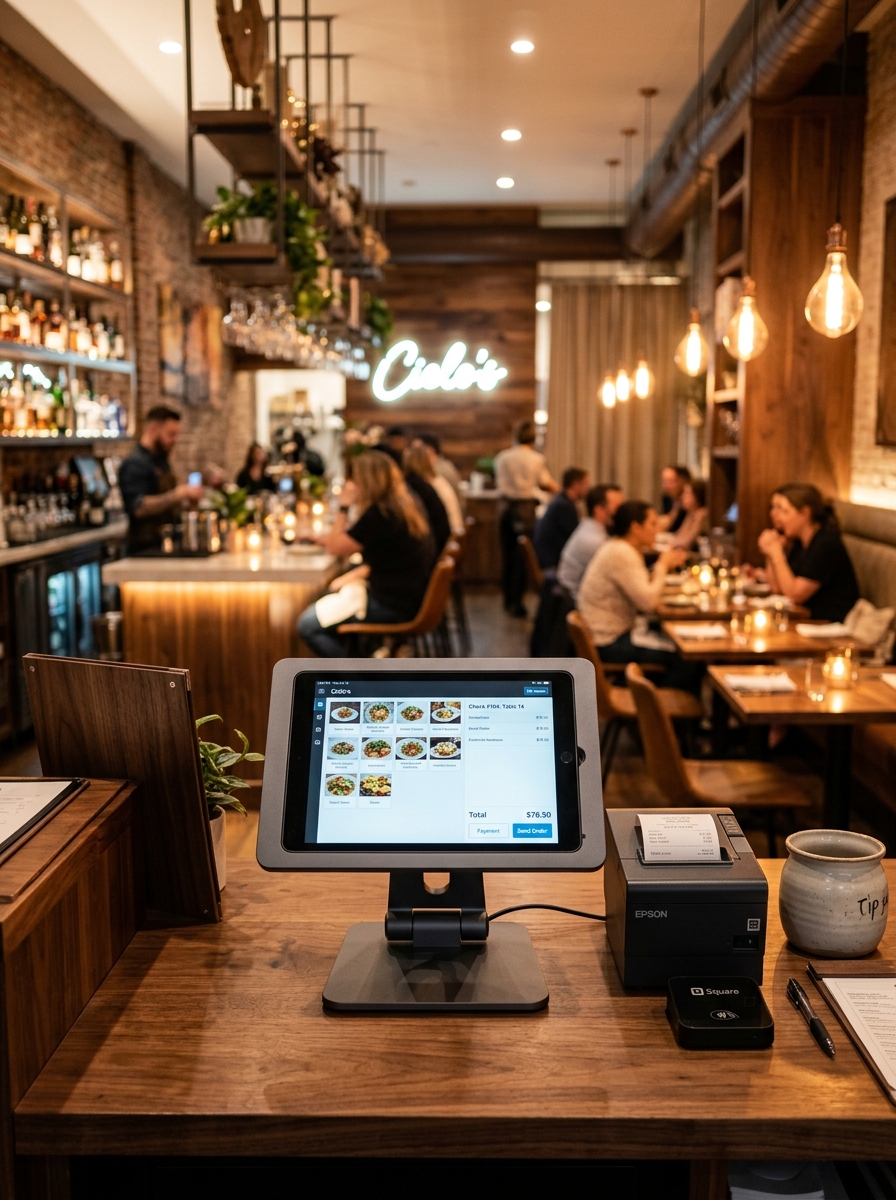
From Order to Checkout. Everything Works Together.
Run your restaurant with one connected platform. From managing your menu and receiving orders to kitchen coordination, billing and business reports, Geni Menu brings your daily operations into one simple workflow.
One Platform. A Complete Restaurant Workflow.
See how Geni Menu connects the essential activities of your restaurant, from menu setup to business reporting.
Your Menu, Organized in One Place.
Add menu items, categories, food images, prices and availability. Keep your menu organized and update your offerings whenever needed.
- Manage menu categories
- Add and update menu items
- Maintain pricing and availability
- Present your menu digitally
Every Order, Clearly Organized.
Handle dine-in, takeaway and other supported order types through an organized order management workspace.
- View incoming orders
- Organize orders by type
- Track order status
- Keep order details accessible
Keep Your Kitchen in Sync.
Use KOT and kitchen management features to communicate order details and coordinate food preparation.
- View kitchen order tickets
- Review item-level order details
- Coordinate preparation
- Track kitchen order status
Billing That Fits Your Workflow.
Process bills, manage payment records and keep transactions organized through the POS and payment management features.
- Handle counter billing
- Review order totals
- Manage payment records
- Keep transactions organized
Make Every Table Easier to Manage.
Manage table assignments, reservations and waiter requests to support a smoother dining experience.
- View table status
- Coordinate table assignments
- Manage reservations
- Handle waiter requests
Stay Prepared for Daily Service.
Track stock, review inventory movement and monitor operational activities to help your team stay prepared.
- Monitor inventory
- Review stock levels
- Track inventory activity
- Support replenishment planning
Understand Your Restaurant's Performance.
Review sales, orders, payments and other business activity through reports that support everyday decisions.
- Review sales summaries
- Monitor order activity
- Understand payment records
- Explore business reports
See How Every Part of Your Restaurant Connects.
Geni Menu brings restaurant activities together so your team can manage the customer experience and daily operations from connected workflows.
The workflow and available connections depend on your enabled features and business configuration.
Different Restaurant Types. One Flexible Platform.
Explore how Geni Menu can support different food-service workflows and business requirements.
Dine-in Restaurants
Connect tables, orders, kitchen operations and billing.
Quick Service
Handle fast-moving orders and counter billing.
Takeaway
Organize incoming orders, preparation and pickup.
Cafés
Manage beverages, food menus, counter orders and payments.
Bakeries
Organize product menus, customer orders and inventory.
Multi-Branch
Manage branch operations using applicable multi-branch features.
Manage Your Restaurant From One Place.
Explore the essential tools that help bring your restaurant's daily activities together.
Menu Management
Organize items, categories, pricing and availability.
Order Management
Keep incoming orders visible and organized.
Kitchen & KOT
Coordinate kitchen preparation and order status.
POS & Billing
Handle counter transactions and restaurant billing.
Table Management
View tables and coordinate dining service.
Reservations
Manage restaurant bookings and guest details.
Inventory
Monitor stock levels and inventory activity.
Reports
Review sales and operational performance.
Set Up Your Restaurant. Start Managing Smarter.
Getting started begins with understanding your restaurant's needs and configuring the relevant tools.
Choose Your Plan
Explore Standard, Premium and Enterprise options.
Set Up Your Business
Configure details, menu and operational settings.
Connect Workflow
Enable features that fit your service model.
Bring Team Onboard
Set up staff access and introduce workflows.
Manage & Improve
Use reports to support ongoing improvements.
Ready to See Geni Menu in Action?
Explore a connected way to manage your restaurant's menu, orders, kitchen, billing and daily operations.