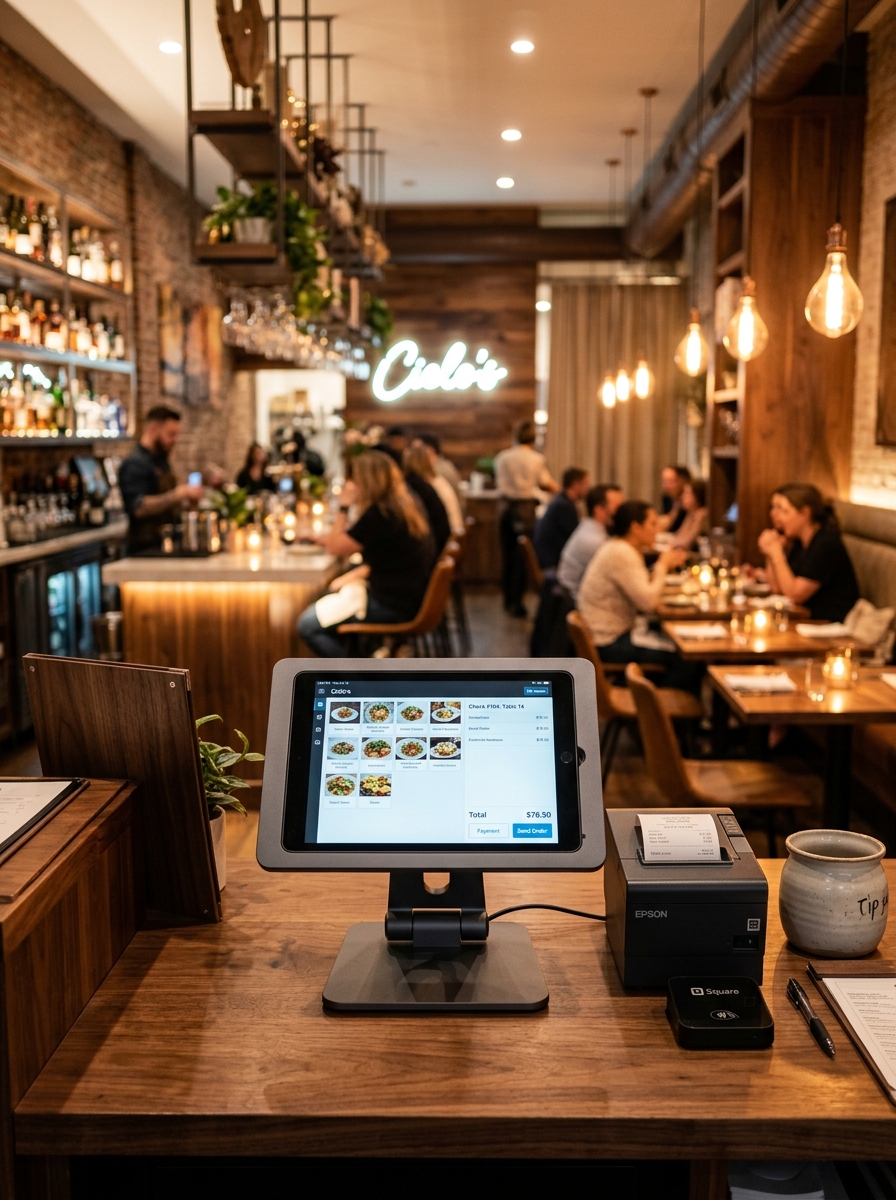
Your Entire Menu.
One Simple Dashboard.
Create, organize and manage your restaurant menu from one place. Update dishes, categories, prices, availability and more — whenever your business needs it.
Geni Bistro Menu
Scan & Order Online
Chicken Biryani
₹240
Paneer Masala
₹220
Fresh Lime Soda
₹80
Instant Updates
Change menu information whenever you need.
Easy Organization
Keep dishes and categories structured.
Availability Control
Show customers what's currently available.
One Central Menu
Manage your entire menu from one place.


Everything About Your Menu, Under Control.
Bring everyday menu management into one clean workspace.
Add. Edit. Organize.
Create and manage every dish from a single interface effortlessly.
- ✓ Add new menu items
- ✓ Edit item names
- ✓ Update descriptions
- ✓ Change prices
- ✓ Add food images
- ✓ Manage item details
- ✓ Assign categories
- ✓ Control availability
Keep Every Dish in the Right Place.
Organize your menu into clear categories so customers can discover what they want faster.
- 📁 Create custom categories
- ✏️ Rename categories on demand
- ↕️ Reorder categories with simple drag & drop
- 🔄 Move items between categories seamlessly
- ✨ Keep the menu organized for fast customer browsing
Prices Change.
Your Menu Shouldn't Have To.
Update prices whenever your business changes — without redesigning or replacing your menu.
- ✓ Update prices quickly in seconds
- ✓ Keep pricing accurate across all customer touchpoints
- ✓ Avoid outdated physical menus
- ✓ Maintain pricing consistency across dine-in, takeout and delivery
Sold Out? Turn It Off.
When an item isn't available, simply change its availability. Customers can see the current menu status instantly.
✨ Keep your menu accurate, even during busy service hours.
Let Your Food Sell Itself.
Add high-quality images and details to give customers a better idea of what they're ordering.
Chicken Biryani
₹240Aromatic basmati rice, tender chicken and traditional spices.
Chicken Pizza
Classic hand-tossed pizza topped with chicken, mozzarella and herbs.
Put Your Best Sellers in the Spotlight.
Highlight signature dishes, today's specials and promotional items so customers notice them first.
Chicken Biryani
₹240
Paneer Butter Masala
₹220
Truffle Garlic Naan
₹110
Mango Lassi
₹90
One Update. One Consistent Menu Experience.
What you manage on your dashboard is immediately reflected on your customer's screen.
CUSTOMER MOBILE MENU
Chicken Biryani
₹240
Different Menus. One Platform.
Create and manage menus for different dining experiences, service areas or business requirements.
Less Menu Maintenance. More Time for Your Business.
Save Time
Make menu changes instantly without rebuilding or reprinting physical menus.
Reduce Errors
Keep prices, item descriptions, and availability accurate across your restaurant.
Improve Customer Experience
Give customers clear, updated, and visual menu information on their phones.
Promote More
Highlight specials, best sellers and new dishes to increase average order value.
Built for the Way Your Business Serves.
Restaurants
Manage large menus and everyday multi-course operations.
Cafés
Showcase beverages, snacks, specialty coffees and daily specials.
Bakeries
Present fresh cakes, pastries, breads and seasonal products.
QSR
Keep high-volume fast food menus simple, clear and quick.
Hotels
Manage extensive in-room dining and hotel restaurant menus.
Cloud Kitchens
Present delivery-focused menus across multiple digital brands.
Pizzerias
Show crust sizes, toppings, add-ons and crust customizations.
Food Courts
Keep multiple food counters & categories organized.
Your Menu Connects Everything.
A menu is where every restaurant order begins. Geni Menu connects it with the rest of your restaurant operations.
Seamlessly Connected to Geni Menu Features.
Menu Management FAQs
Got questions? We've got answers.
Ready to Take Control
of Your Menu?
Create a smarter menu experience for your restaurant — and keep every item, price and availability detail up to date.